SQL Joins Explained: INNER, LEFT, RIGHT, FULL, and CROSS
A visual and practical guide to SQL joins: INNER JOIN, LEFT JOIN, RIGHT JOIN, FULL OUTER JOIN, and CROSS JOIN — with examples for each type.
- sql
- joins
- database
- postgresql
- mysql
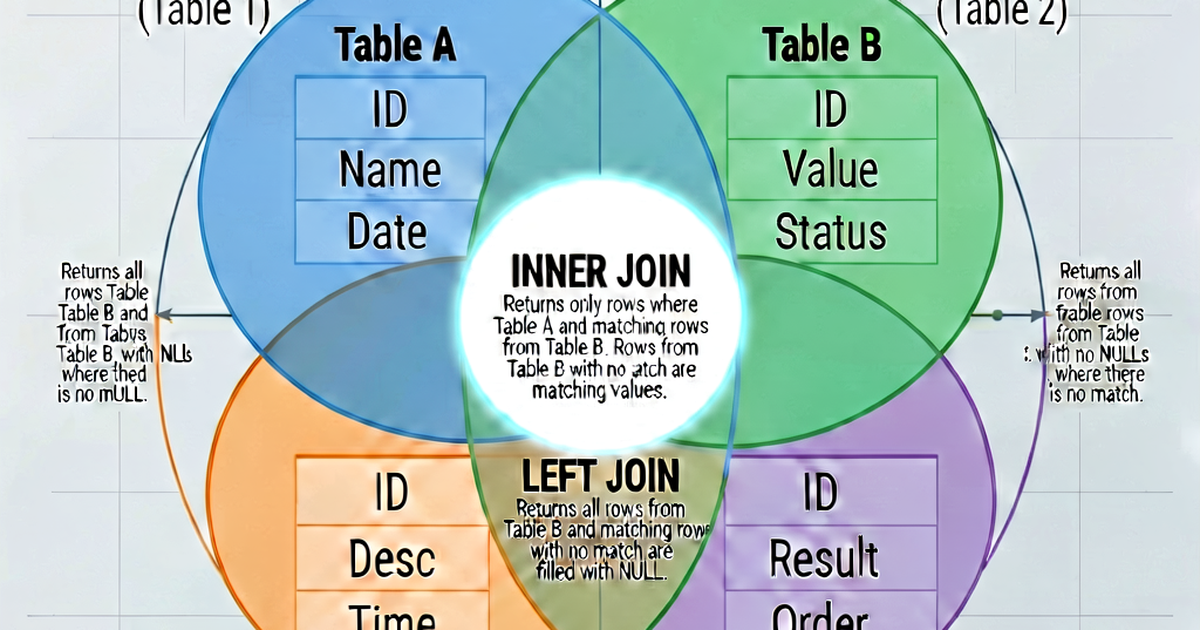

SQL JOINs combine rows from two or more tables based on a related column. Understanding which JOIN to use — and why — is one of the most important SQL skills.
The tables we’ll use
-- users
user_id | name    | email
--------|---------|--------------------
1       | Alice   | alice@example.com
2       | Bob     | bob@example.com
3       | Charlie | charlie@example.com

-- orders
order_id | user_id | total
---------|---------|-------
101      | 1       | 49.99
102      | 1       | 89.00
103      | 2       | 15.00
104      | 4       | 200.00  ← user_id 4 doesn't exist in users
INNER JOIN
Returns rows that have a match in both tables. Non-matching rows are excluded from both sides.
SELECT
    u.name,
    o.order_id,
    o.total
FROM users AS u
INNER JOIN orders AS o ON u.user_id = o.user_id;
Result:
name  | order_id | total
------|----------|-------
Alice | 101      | 49.99
Alice | 102      | 89.00
Bob   | 103      | 15.00
Charlie (no orders) is excluded. Order 104 (user_id 4, no matching user) is excluded.
When to use: When you only want records that have a match on both sides — e.g., orders and the users who placed them.
LEFT JOIN (LEFT OUTER JOIN)
Returns all rows from the left table and matching rows from the right table. When there’s no match on the right, NULLs fill in.
SELECT
    u.name,
    o.order_id,
    o.total
FROM users AS u
LEFT JOIN orders AS o ON u.user_id = o.user_id;
Result:
name    | order_id | total
--------|----------|-------
Alice   | 101      | 49.99
Alice   | 102      | 89.00
Bob     | 103      | 15.00
Charlie | NULL     | NULL
Charlie appears with NULL values — they’re in the left table (users) but have no orders.
When to use: “Give me all users, plus any orders they have.” The most common JOIN type in analytics and reporting.
Finding rows with no match (anti-join):
-- Users with no orders
SELECT u.name
FROM users AS u
LEFT JOIN orders AS o ON u.user_id = o.user_id
WHERE o.order_id IS NULL;
Result: Charlie
RIGHT JOIN (RIGHT OUTER JOIN)
The mirror of LEFT JOIN — returns all rows from the right table, plus matching rows from the left.
SELECT
    u.name,
    o.order_id,
    o.total
FROM users AS u
RIGHT JOIN orders AS o ON u.user_id = o.user_id;
Result:
name  | order_id | total
------|----------|-------
Alice | 101      | 49.99
Alice | 102      | 89.00
Bob   | 103      | 15.00
NULL  | 104      | 200.00
Order 104 appears with a NULL user — it’s in the right table (orders) but has no matching user.
When to use: Rarely needed — you can always rewrite a RIGHT JOIN as a LEFT JOIN by switching the table order. Most style guides prefer LEFT JOINs for consistency.
-- Equivalent to the RIGHT JOIN above
SELECT
    u.name,
    o.order_id,
    o.total
FROM orders AS o
LEFT JOIN users AS u ON u.user_id = o.user_id;
FULL OUTER JOIN
Returns all rows from both tables. Rows without a match on either side get NULLs for the missing side.
SELECT
    u.name,
    o.order_id,
    o.total
FROM users AS u
FULL OUTER JOIN orders AS o ON u.user_id = o.user_id;
Result:
name    | order_id | total
--------|----------|-------
Alice   | 101      | 49.99
Alice   | 102      | 89.00
Bob     | 103      | 15.00
Charlie | NULL     | NULL
NULL    | 104      | 200.00
Both Charlie (no orders) and order 104 (no matching user) appear.
When to use: Data reconciliation — finding rows that don’t match in either direction. Less common in application code, but useful in data engineering.
MySQL note: MySQL doesn’t support FULL OUTER JOIN. Emulate it with UNION:
SELECT u.name, o.order_id FROM users u LEFT JOIN orders o ON u.user_id = o.user_id
UNION
SELECT u.name, o.order_id FROM users u RIGHT JOIN orders o ON u.user_id = o.user_id;
CROSS JOIN
Returns the Cartesian product — every row from the left table combined with every row from the right table. No ON condition.
SELECT
    u.name,
    color.value AS color
FROM users AS u
CROSS JOIN (VALUES ('red'), ('blue'), ('green')) AS color(value);
Result: 9 rows — every user × every color.
When to use:
- Generating combinations (size × color for product variants)
- Creating a date range to fill gaps in time-series data
- Seeding test data
Warning: 1,000 rows × 1,000 rows = 1,000,000 rows. CROSS JOINs on large tables can destroy performance.
SELF JOIN
Joining a table to itself. No special syntax — just reference the table twice with different aliases:
-- Find employees and their managers (same employees table)
SELECT
    e.name AS employee,
    m.name AS manager
FROM employees AS e
LEFT JOIN employees AS m ON e.manager_id = m.employee_id;
JOIN performance
Always JOIN on indexed columns. Primary key joins are fast; unindexed column joins require full-table scans.
Join order matters for the query planner. Most modern databases (PostgreSQL, MySQL 8+) reorder JOINs automatically, but complex queries with many tables benefit from explicit ordering.
Avoid functions on JOIN columns:
-- Slow — function prevents index use on o.created_at
JOIN orders AS o ON u.user_id = o.user_id
  AND DATE(o.created_at) = '2026-01-01'

-- Fast — index can be used on o.created_at
JOIN orders AS o ON u.user_id = o.user_id
  AND o.created_at >= '2026-01-01'
  AND o.created_at < '2026-01-02'
Format complex JOIN queries
Multi-table JOINs benefit most from consistent formatting. Paste into sqlformat.io to clean up JOIN alignment and indentation.

Related reading
-
SQL vs NoSQL: How to Choose the Right Database
Compare SQL and NoSQL databases by data model, consistency, scalability, and use case. Learn when to use PostgreSQL, MongoDB, Redis, or Cassandra.
-
SQL EXPLAIN and Execution Plans: A Complete Guide
Learn to read SQL execution plans using EXPLAIN and EXPLAIN ANALYZE in PostgreSQL and MySQL. Identify seq scans, index scans, hash joins, and cost estimates.
-
SQL Query Optimization: Practical Techniques That Actually Work
Speed up slow SQL queries using indexes, avoiding SELECT *, rewriting subqueries, analyzing execution plans, and common anti-patterns to eliminate.