SQL Query Optimization: Practical Techniques That Actually Work
Speed up slow SQL queries using indexes, avoiding SELECT *, rewriting subqueries, analyzing execution plans, and common anti-patterns to eliminate.
- sql
- optimization
- performance
- indexes
- postgresql
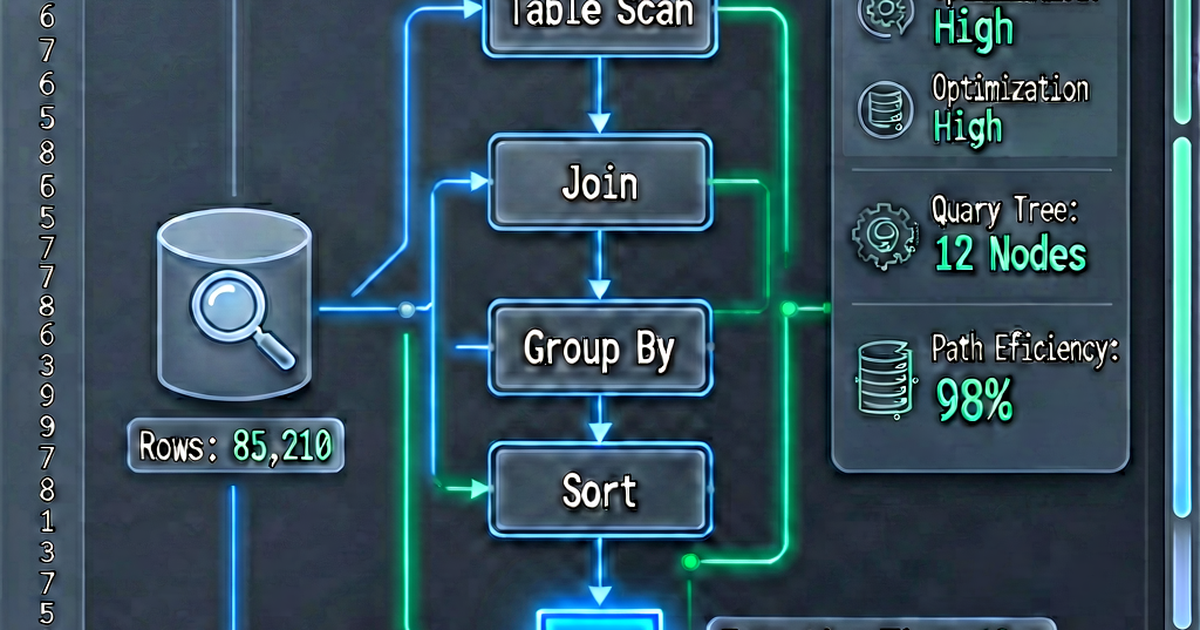

Most SQL performance problems fall into a small set of categories. This guide covers the techniques that produce the biggest improvements fastest — ranked by impact.
1. Use EXPLAIN ANALYZE
Before optimizing anything, look at the execution plan. EXPLAIN ANALYZE runs the query and shows the actual time spent at each step:
EXPLAIN ANALYZE
SELECT u.email, COUNT(o.order_id) AS order_count
FROM users AS u
LEFT JOIN orders AS o ON u.user_id = o.user_id
WHERE u.created_at >= '2026-01-01'
GROUP BY u.email;
Key things to look for:
- Seq Scan — full table scan; usually means a missing index
- Nested Loop on large tables — can be expensive; may need an index
- actual time vs estimated rows — large discrepancies indicate stale statistics
- Sort with no index — sorting 10M rows in memory is slow
Run ANALYZE if the planner’s estimates look wrong:
ANALYZE users;2. Add the right indexes
The most impactful optimization is usually adding a missing index.
Single-column index for WHERE and JOIN conditions:
-- If this query is slow:
SELECT * FROM orders WHERE user_id = 123;

-- Add index on the filter column:
CREATE INDEX idx_orders_user_id ON orders(user_id);
Composite index for multi-column conditions:
-- Query filters on both columns:
SELECT * FROM events WHERE user_id = 123 AND created_at >= '2026-01-01';

-- Composite index (most selective column first):
CREATE INDEX idx_events_user_created ON events(user_id, created_at);
Covering index — includes all columns the query needs so the planner can answer from the index without touching the table:
-- Query needs user_id (filter) + email (select):
SELECT email FROM users WHERE status = 'active';

-- Covering index:
CREATE INDEX idx_users_status_email ON users(status) INCLUDE (email);
Index on expressions:
-- Query uses a function:
SELECT * FROM users WHERE LOWER(email) = 'alice@example.com';

-- Index the expression:
CREATE INDEX idx_users_lower_email ON users(LOWER(email));
Check unused indexes (they slow down writes without helping reads):
-- PostgreSQL: find unused indexes
SELECT schemaname, tablename, indexname, idx_scan
FROM pg_stat_user_indexes
WHERE idx_scan = 0
ORDER BY schemaname, tablename;
3. Avoid SELECT *
SELECT * fetches every column — including large text and JSONB columns you may not need. It also prevents covering index optimization.
-- Slow: fetches 30 columns including a 10 KB bio field
SELECT * FROM users WHERE status = 'active';

-- Fast: fetches only what's needed
SELECT user_id, email, created_at FROM users WHERE status = 'active';
4. Avoid functions on indexed columns in WHERE
A function applied to a column disables index use for that column:
-- Slow: index on created_at not used
WHERE YEAR(created_at) = 2026
WHERE DATE(created_at) = '2026-01-01'
WHERE UPPER(email) = 'ALICE@EXAMPLE.COM'

-- Fast: index used
WHERE created_at >= '2026-01-01' AND created_at < '2027-01-01'
WHERE created_at >= '2026-01-01' AND created_at < '2026-01-02'
WHERE email = 'alice@example.com'  -- store emails lowercased, or use functional index
5. Use EXISTS instead of IN for large subqueries
-- Can be slow for large subqueries:
SELECT * FROM users
WHERE user_id IN (SELECT user_id FROM premium_subscribers);

-- Often faster:
SELECT * FROM users AS u
WHERE EXISTS (
    SELECT 1 FROM premium_subscribers AS ps
    WHERE ps.user_id = u.user_id
);

-- Or: JOIN (often fastest)
SELECT DISTINCT u.*
FROM users AS u
JOIN premium_subscribers AS ps ON u.user_id = ps.user_id;
EXISTS stops at the first match; IN with a subquery may materialize the full result set.
6. Use CTEs thoughtfully (PostgreSQL < 12 caveat)
In PostgreSQL before version 12, CTEs were always materialized (computed once and cached). Starting in PostgreSQL 12, the planner can inline non-recursive CTEs.
-- PostgreSQL < 12: this CTE is always materialized, can't be optimized inline
WITH active_users AS (
    SELECT * FROM users WHERE status = 'active'
)
SELECT * FROM active_users WHERE created_at > '2026-01-01';

-- Explicit inline hint (PostgreSQL 12+)
WITH active_users AS NOT MATERIALIZED (
    SELECT * FROM users WHERE status = 'active'
)
SELECT * FROM active_users WHERE created_at > '2026-01-01';
7. Limit early with WHERE
Filter rows as early as possible. Don’t join millions of rows and then filter:
-- Slow: joins all rows, then filters
SELECT u.email, o.total
FROM users AS u
JOIN orders AS o ON u.user_id = o.user_id
WHERE o.created_at >= '2026-01-01';

-- Better: filter orders in a subquery/CTE before joining
WITH recent_orders AS (
    SELECT user_id, total
    FROM orders
    WHERE created_at >= '2026-01-01'
)
SELECT u.email, ro.total
FROM users AS u
JOIN recent_orders AS ro ON u.user_id = ro.user_id;
8. Paginate with keyset pagination
OFFSET/LIMIT pagination gets slower as the offset increases — the database must scan and discard the skipped rows:
-- Slow for large offsets
SELECT * FROM events ORDER BY created_at DESC LIMIT 20 OFFSET 10000;

-- Fast: keyset (cursor) pagination
SELECT * FROM events
WHERE created_at < '2026-04-01 12:00:00'  -- last seen value from previous page
ORDER BY created_at DESC
LIMIT 20;
Keyset pagination is O(1) regardless of page number.
9. Analyze the N+1 query problem
The N+1 problem occurs in ORMs when fetching a list of records and then querying related data for each:
# N+1: 1 query for users + N queries for orders
users = User.all()
for user in users:
    print(user.orders.count())  # new query per user

# Fixed: 1 query with aggregation
from django.db.models import Count
users = User.objects.annotate(order_count=Count('orders'))
The SQL equivalent:
-- N+1 equivalent (1 + N queries)
SELECT * FROM users;
-- Then for each user: SELECT COUNT(*) FROM orders WHERE user_id = ?

-- Fixed: single query with aggregation
SELECT
    u.user_id,
    u.email,
    COUNT(o.order_id) AS order_count
FROM users AS u
LEFT JOIN orders AS o ON u.user_id = o.user_id
GROUP BY u.user_id, u.email;
Format your queries for clarity
Well-formatted SQL makes performance issues easier to spot. Paste complex queries into sqlformat.io to clean up indentation before analyzing.

Related reading
-
SQL EXPLAIN and Execution Plans: A Complete Guide
Learn to read SQL execution plans using EXPLAIN and EXPLAIN ANALYZE in PostgreSQL and MySQL. Identify seq scans, index scans, hash joins, and cost estimates.
-
SQL Joins Explained: INNER, LEFT, RIGHT, FULL, and CROSS
A visual and practical guide to SQL joins: INNER JOIN, LEFT JOIN, RIGHT JOIN, FULL OUTER JOIN, and CROSS JOIN — with examples for each type.
-
SQL vs NoSQL: How to Choose the Right Database
Compare SQL and NoSQL databases by data model, consistency, scalability, and use case. Learn when to use PostgreSQL, MongoDB, Redis, or Cassandra.