How to Format SQL: Rules, Tools, and Style Guides
Format SQL queries consistently with online tools, SQLFluff, Prettier, and editor extensions. Covers keyword casing, indentation, and WHERE/JOIN formatting rules.
- sql
- formatting
- sqlfluff
- style guide
- database
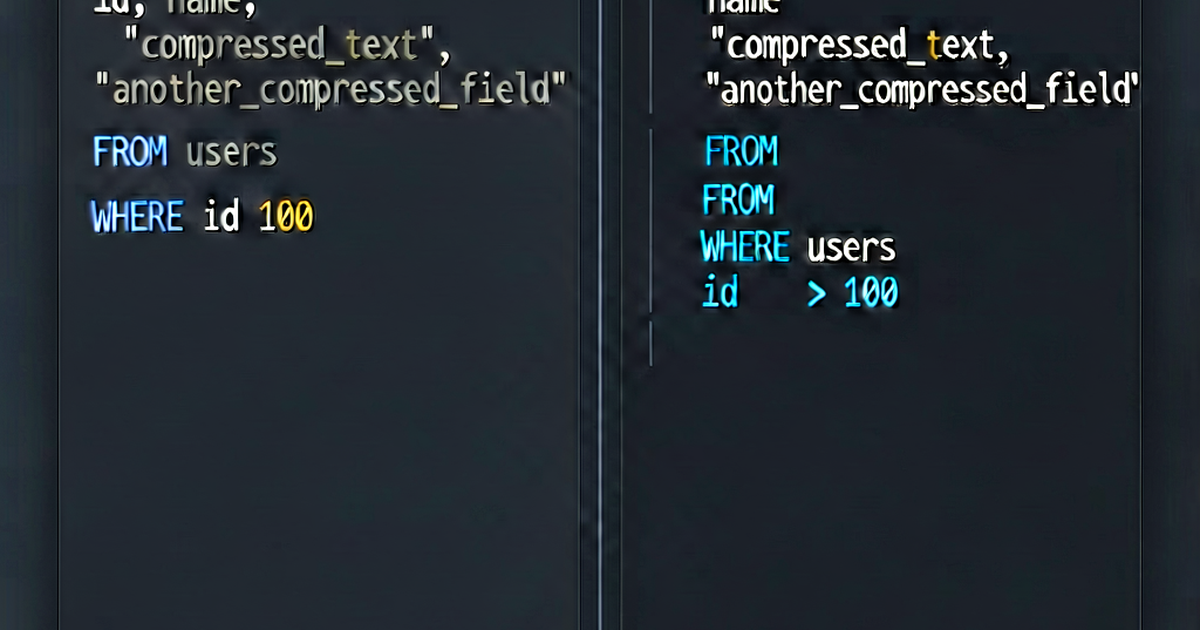

SQL formatting has no single enforced standard, but most teams converge on similar conventions. Consistent formatting makes queries faster to read, easier to review, and less likely to contain subtle bugs hidden in poorly indented WHERE clauses.
The core conventions
Uppercase keywords: SQL keywords (SELECT, FROM, WHERE, JOIN, GROUP BY) are conventionally uppercase, while table names, column names, and aliases are lowercase.
-- Conventional
SELECT
    u.user_id,
    u.email,
    COUNT(o.order_id) AS order_count
FROM users AS u
LEFT JOIN orders AS o ON u.user_id = o.user_id
WHERE u.created_at >= '2026-01-01'
GROUP BY u.user_id, u.email
ORDER BY order_count DESC;

-- Hard to read
select u.user_id, u.email, count(o.order_id) as order_count from users as u left join orders as o on u.user_id=o.user_id where u.created_at>='2026-01-01' group by u.user_id, u.email order by order_count desc;
One clause per line: Each major clause (SELECT, FROM, WHERE, JOIN, GROUP BY, ORDER BY) starts on a new line.
Indent column lists: Columns in the SELECT clause are indented 4 spaces (or one level) from the keyword.
Commas at the end or beginning: Two schools of thought:
-- Trailing commas (most common)
SELECT
    user_id,
    email,
    created_at

-- Leading commas (easier to comment out lines)
SELECT
    user_id
   ,email
   ,created_at
Pick one style and use it consistently. Leading commas make it easy to comment out or reorder columns without editing the previous line.
Indentation rules
JOINs at the same level as FROM:
SELECT
    u.email,
    p.plan_name
FROM users AS u
LEFT JOIN subscriptions AS sub ON u.user_id = sub.user_id
LEFT JOIN plans AS p ON sub.plan_id = p.plan_id
WHERE u.is_active = TRUE;
Subqueries: indent the inner query:
SELECT
    outer.email,
    outer.total_orders
FROM (
    SELECT
        u.email,
        COUNT(*) AS total_orders
    FROM users AS u
    JOIN orders AS o ON u.user_id = o.user_id
    GROUP BY u.email
) AS outer
WHERE outer.total_orders > 5;
CTEs: each WITH block at the top level:
WITH active_users AS (
    SELECT user_id, email
    FROM users
    WHERE is_active = TRUE
),
recent_orders AS (
    SELECT user_id, COUNT(*) AS order_count
    FROM orders
    WHERE created_at >= '2026-01-01'
    GROUP BY user_id
)
SELECT
    au.email,
    COALESCE(ro.order_count, 0) AS order_count
FROM active_users AS au
LEFT JOIN recent_orders AS ro ON au.user_id = ro.user_id
ORDER BY order_count DESC;
Online formatter
Paste any SQL query into sqlformat.io for instant formatting — adjustable indentation, keyword casing, and output dialect.
SQLFluff (linter + formatter)
SQLFluff is the most powerful SQL linter and formatter. It supports PostgreSQL, MySQL, BigQuery, Snowflake, dbt, and more.
pip install sqlfluff

# Format a file
sqlfluff fix query.sql --dialect postgres

# Check (don't modify)
sqlfluff lint query.sql --dialect postgres
Configuration (.sqlfluff):
[sqlfluff]
dialect = postgres
templater = dbt
max_line_length = 100

[sqlfluff:indentation]
indent_unit = space
tab_space_size = 4

[sqlfluff:rules:aliasing.table]
aliasing = explicit

[sqlfluff:rules:capitalisation.keywords]
capitalisation_policy = upper

[sqlfluff:rules:capitalisation.identifiers]
capitalisation_policy = lower
SQLFluff can be integrated into CI to enforce SQL style:
# .github/workflows/lint.yml
- name: Lint SQL
  run: sqlfluff lint models/ --dialect bigquery --format github-annotation
dbt SQL formatting
In dbt projects, SQLFluff is the standard linter. Install the dbt extension:
pip install sqlfluff-templater-dbtSQLFluff understands Jinja templating in dbt models:
-- models/marts/users.sql
WITH source AS (
    {{ ref('stg_users') }}
),
transformed AS (
    SELECT
        user_id,
        email,
        created_at::DATE AS signup_date
    FROM source
    WHERE NOT is_deleted
)
SELECT * FROM transformed
VS Code extensions
- SQLTools — connects to databases, runs queries, formats SQL
- Prettier SQL VSCode — runs Prettier’s SQL plugin in VS Code
- sql-formatter extension — lightweight, configurable formatting
For dbt projects, the dbt Power User extension includes SQLFluff integration.
Naming conventions
Snake_case for all identifiers is the dominant SQL convention:
-- Good
SELECT user_id, first_name, created_at
FROM user_accounts
WHERE subscription_plan_id = 1;

-- Avoid
SELECT UserID, FirstName, CreatedAt
FROM UserAccounts
WHERE SubscriptionPlanID = 1;- Tables: plural nouns, snake_case (
user_accounts,order_items) - Columns: snake_case (
user_id,created_at) - Booleans: prefix with
is_,has_,was_(is_active,has_subscription) - Timestamps: suffix with
_at(created_at,updated_at,deleted_at) - Date columns: suffix with
_date(signup_date,expiry_date) - Aliases: use meaningful names, not single letters
Quick reference: readable vs. unreadable
-- Hard to read
select a.id,b.name,c.total from orders a join users b on a.uid=b.id join(select uid,sum(amount) total from payments group by uid)c on b.id=c.uid where a.status='completed' order by c.total desc limit 10

-- Readable
SELECT
    o.order_id,
    u.name,
    p.total_amount
FROM orders AS o
JOIN users AS u ON o.user_id = u.user_id
JOIN (
    SELECT
        user_id,
        SUM(amount) AS total_amount
    FROM payments
    GROUP BY user_id
) AS p ON u.user_id = p.user_id
WHERE o.status = 'completed'
ORDER BY p.total_amount DESC
LIMIT 10;
Format SQL online at sqlformat.io.

Related reading
-
SQL Style Guide: Conventions Every Team Should Follow
A practical SQL style guide covering keyword casing, naming conventions, indentation, JOIN formatting, and CTE structure for consistent, readable queries.
-
SQL Joins Explained: INNER, LEFT, RIGHT, FULL, and CROSS
A visual and practical guide to SQL joins: INNER JOIN, LEFT JOIN, RIGHT JOIN, FULL OUTER JOIN, and CROSS JOIN — with examples for each type.
-
SQL vs NoSQL: How to Choose the Right Database
Compare SQL and NoSQL databases by data model, consistency, scalability, and use case. Learn when to use PostgreSQL, MongoDB, Redis, or Cassandra.